The short answer
Before recording conference sessions, collect a signed speaker agreement that permits recording, editing and distribution, names where the video will appear and for how long, and makes the speaker responsible for clearing third-party slides, clips and music. Add notices for attendees and Q&A microphones. Big Wave Productions builds each recording plan around those permissions.
Before anyone presses record, collect a signed speaker release form or speaker agreement that permits recording, editing and distribution, names every place the video will appear and makes the speaker responsible for clearing third-party material in the slides. Attendees, and anyone who steps up to a Q&A microphone, need notice too. Big Wave Productions, a national conference photo and video company headquartered in Orlando, has produced 50+ full-length session recordings for Resource Recycling, and the permissions below are what we ask organizers to settle before the crew arrives.
This is general information, not legal advice. Your counsel should write and review the actual language.
Why you need a release at your own conference
Hosting a session doesn't mean you own what is said in it. The U.S. Copyright Office's Circular 1 explains that copyright exists automatically from the moment an original work is fixed in a tangible form. Slides, scripts and speaker notes are fixed long before anyone takes the stage, so in general they belong to the speaker, or to the speaker's employer. A session recording is a video of someone else's material.
The second issue is identity. Title cards, social clips and next year's promo all use the speaker's name and face, and states have their own rules about using a person's likeness to promote something. A release handles both questions in one signature.
What to collect from every speaker
| Permission | What it covers | Why it matters |
|---|---|---|
| Record | Audio, video, slides and any livestream | A livestream is distribution in real time, so name it |
| Edit | Trims, captions, title cards, short clips | Clips lift lines out of context, so say they are allowed |
| Distribute | Member portal, paid on-demand, public site, social, ads, sponsor channels | Each audience is a separate use |
| Term | How long you can keep it online | "Forever" and "three years" are both choices to make on purpose |
| Name, likeness, bio | Title cards, session promotion, next year's marketing | Covers the promo work around the session |
| Third-party material | The speaker confirms rights or flags each item | Puts clearance with the person who knows where the image came from |
| Authority | The speaker confirms they can license a deck their employer may own | Corporate presentations often belong to the company |
| Removal | What happens if they ask for a takedown later | Sets expectations before anything goes live |
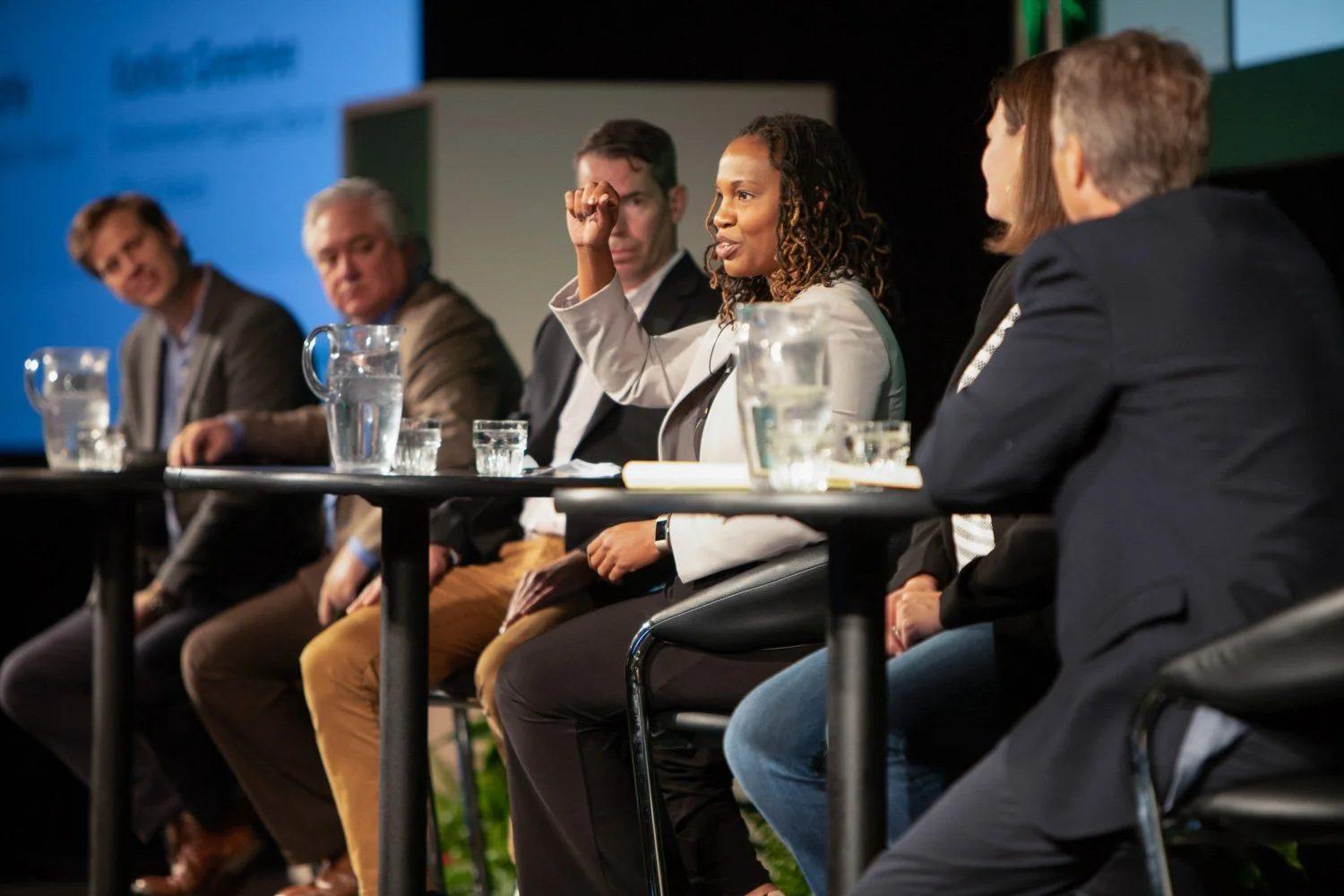
Panels need a signature from every panelist and the moderator. Substitutions need one too, and they tend to arrive the week of the event. Guests in a greenroom interview studio sign their own release, since an interview is a separate piece of content.
When to collect it
Put recording consent in the speaker agreement that goes out when a proposal is accepted. A form handed over backstage five minutes before the session is a backup for last-minute substitutes, not a plan. Use the slide deadline as the moment to check third-party content, since that is when you can still ask for a swap.
Then share one list with the production crew: session, room, every speaker, cleared or not, and any limits ("members only," "no social clips," "drop the video on slide 14"). That list is how a crew knows which rooms get cameras. Our guide to when to book a conference crew shows where speaker agreements fall on the planning calendar.
Slides, video clips and music
Third-party content is where most publishable sessions get stuck.
- Images and charts. A photo pulled from a search engine or a chart from a paid report may belong to someone else. The Copyright Office's Fair Use Index notes that courts evaluate fair use case by case and that no formula guarantees a set amount is safe to use. Don't build a public library on the assumption.
- Embedded video. A clip from a news segment or a commercial raises the same question, often with music underneath.
- Music. The Copyright Office's Circular 56A explains that a musical composition and a sound recording are two separate works. A song in a speaker's deck, or walk-on music in the ballroom, involves both. Plan to cut or mute it in the edit.
- Screens with private data. Live demos can show customer names or dashboards. Ask speakers to use dummy data, and plan blurs for anything that slips through.
Ask speakers to flag third-party items when they submit slides. Because sessions are recorded with direct slide capture as well as cameras, an editor can cover a flagged slide with the speaker's shot instead of throwing out the session.
Attendees: notices at registration and in the room
Attendees appear in nearly every wide shot and audience reaction. For general coverage, the standard tools are notice and an easy way to opt out:
- A photography and recording notice in the registration terms that says how images and video will be used.
- Signs at the entrances to session rooms, the expo hall and receptions.
- A visible opt-out, such as a badge sticker, with the crew briefed on what it looks like.
Advertising is a higher bar. In Florida, section 540.08 of the Florida Statutes requires consent before a person's name or likeness is used for trade or for commercial or advertising purposes, with exceptions that include photos of someone solely as an unnamed member of the public. Other states have their own versions. If an attendee's face will anchor a paid ad, get a signed release from that person and ask your counsel how the rest of your uses fit.
Q&A and audience microphones
Anyone who walks up to a microphone becomes part of the recording. A few habits keep Q&A usable:
- Put a small sign at each audience mic saying the session is recorded.
- Have the moderator say it once at the start, and offer a written or app-based way to ask questions.
- Ask the moderator to repeat each question, so the edit can use the repeated version if a questioner prefers not to appear.
- Point audience cameras at reactions, not tight on individual faces during questions.
Sessions that shouldn't be recorded
Some sessions are valuable precisely because they aren't on the record: member roundtables, regulator briefings and anything held under the Chatham House Rule. Chatham House's own guidance says photos and video aren't allowed in the room during a meeting under the Rule and that such a meeting can't be recorded. It also says a single session of a conference can be held under the Rule, and that at a mixed conference, photos should come only from the public sessions.
State recording laws matter for small-group discussions too. Florida's section 934.03 makes intercepting an oral communication lawful when all parties have given prior consent, and section 934.02 defines that kind of communication around an expectation of privacy. A keynote in a ballroom isn't the same as a closed roundtable, so ask your counsel before any camera goes into one. Mark these rooms "no camera" on the recording map.
Public, members-only or paywalled
Where a session lives changes what the release has to say.
| Where it lives | What the release should cover |
|---|---|
| Free public channel or website | Public distribution and the term |
| Members-only portal | Access as a member benefit |
| Paid on-demand library | Sale of access, plus any honorarium or revenue terms you offer speakers |
| Social clips | Short excerpts, edited apart from the full talk |
| Sponsor channels | Whether a sponsor can post the session it sponsored |
| Next year's promo | Name, likeness and clips used in marketing |
A release that only says "the conference may record this session" settles none of these. If you plan to stream any sessions live, read our guide on whether to livestream your conference as well.
When someone asks for a takedown
Requests come months later: a speaker changes jobs, a client objects to a slide, an attendee doesn't want to be in a clip. Decide in advance who answers, how fast, and what the options are (cut a segment, move the video behind a login, remove it). Store each signed release with its video and session name, so the answer starts with the paperwork, not a search through email.
Platforms run their own processes. YouTube's privacy guidelines let people who are uniquely identifiable in a video file a privacy complaint, and YouTube may give the uploader time to remove or edit the content. For copyright claims, section 512 of the Copyright Act sets up a notice-and-takedown process for online service providers. A clean release file is your best answer to either.
How a crew uses your release list
On site, the release list turns into the recording map. Cleared sessions get cameras, restricted ones get a note, and "no camera" rooms stay dark. Speaker names and titles on the title cards come straight from the signed agreements, which cuts down on correction rounds. For the technical side of the recording itself, see our guide to recording conference sessions.
Settle the permissions first, then press record
Releases cost almost nothing to collect early and a great deal to chase after the fact. Session recording is part of our conference video production work, and we can check that the permissions your counsel drafts line up with the deliverables you plan to publish. Book a discovery call with Brian or call or text the office at 407.498.5980.
Sources
- U.S. Copyright Office, Circular 1: Copyright Basics
- U.S. Copyright Office, Fair Use Index
- U.S. Copyright Office, Circular 56A: Copyright Registration of Musical Compositions and Sound Recordings
- U.S. Copyright Office, Section 512 of Title 17
- The Florida Senate, Florida Statutes section 540.08
- The Florida Senate, Florida Statutes section 934.03 and section 934.02
- Chatham House, Chatham House Rule
- YouTube Help, Privacy guidelines