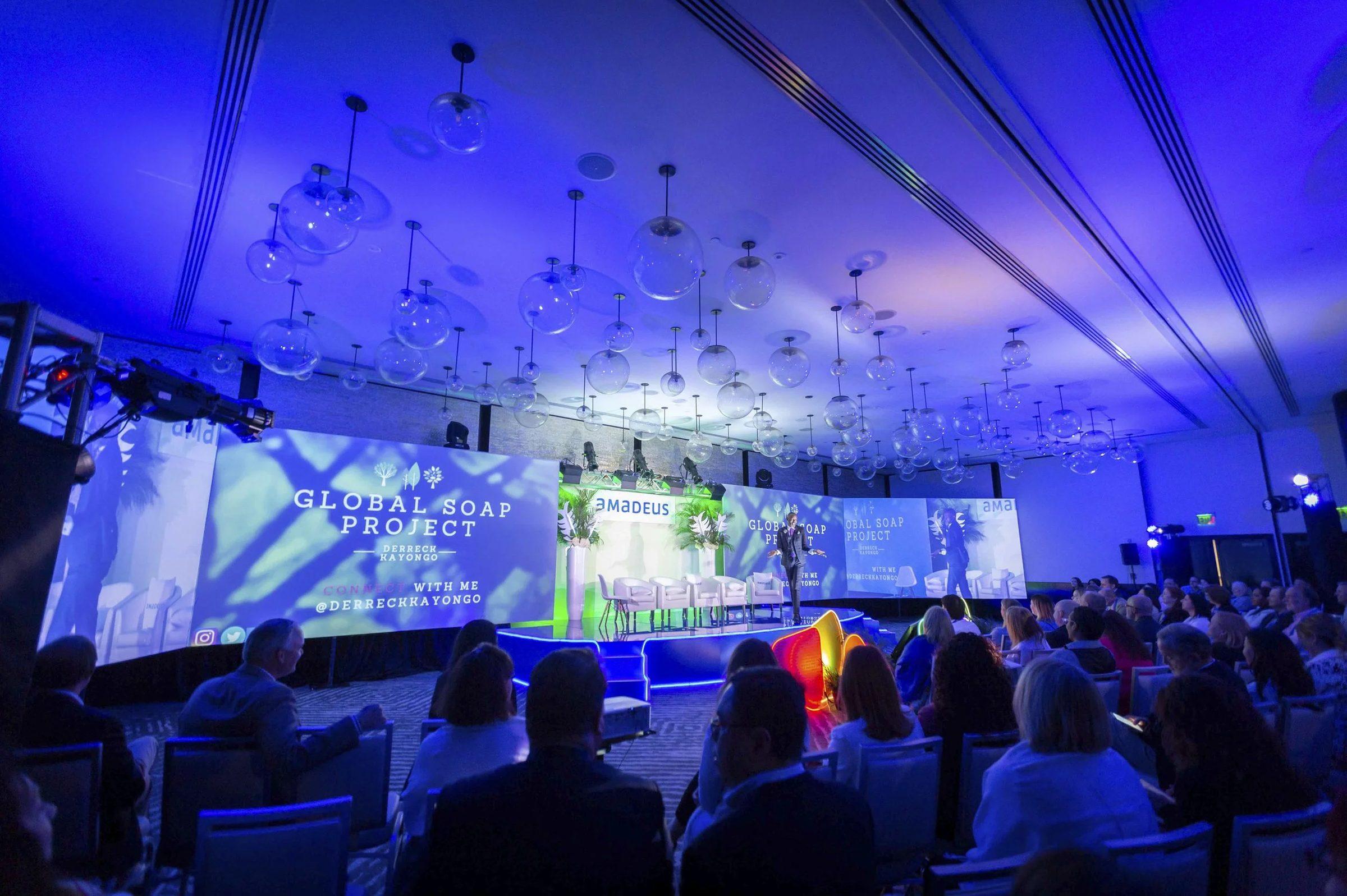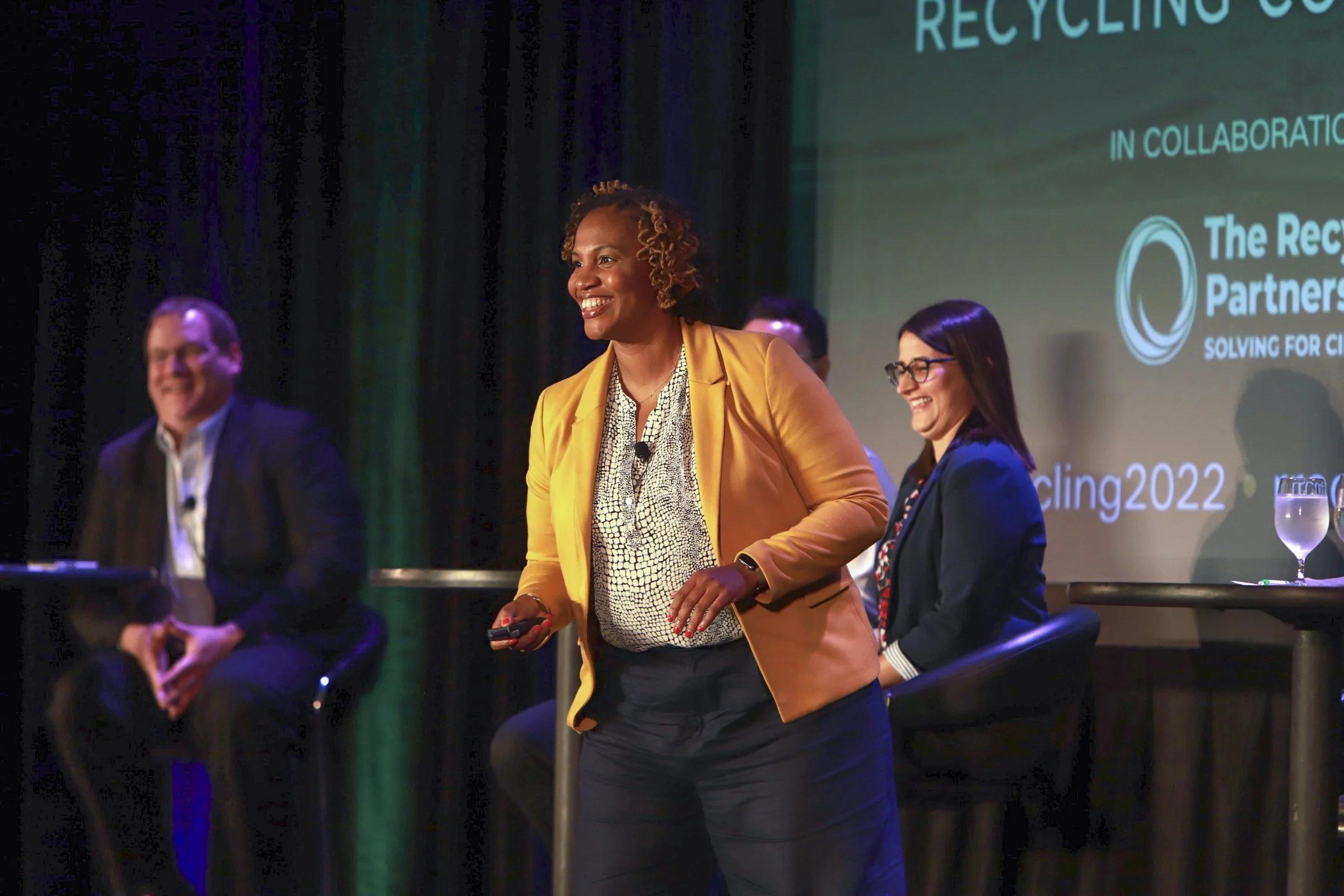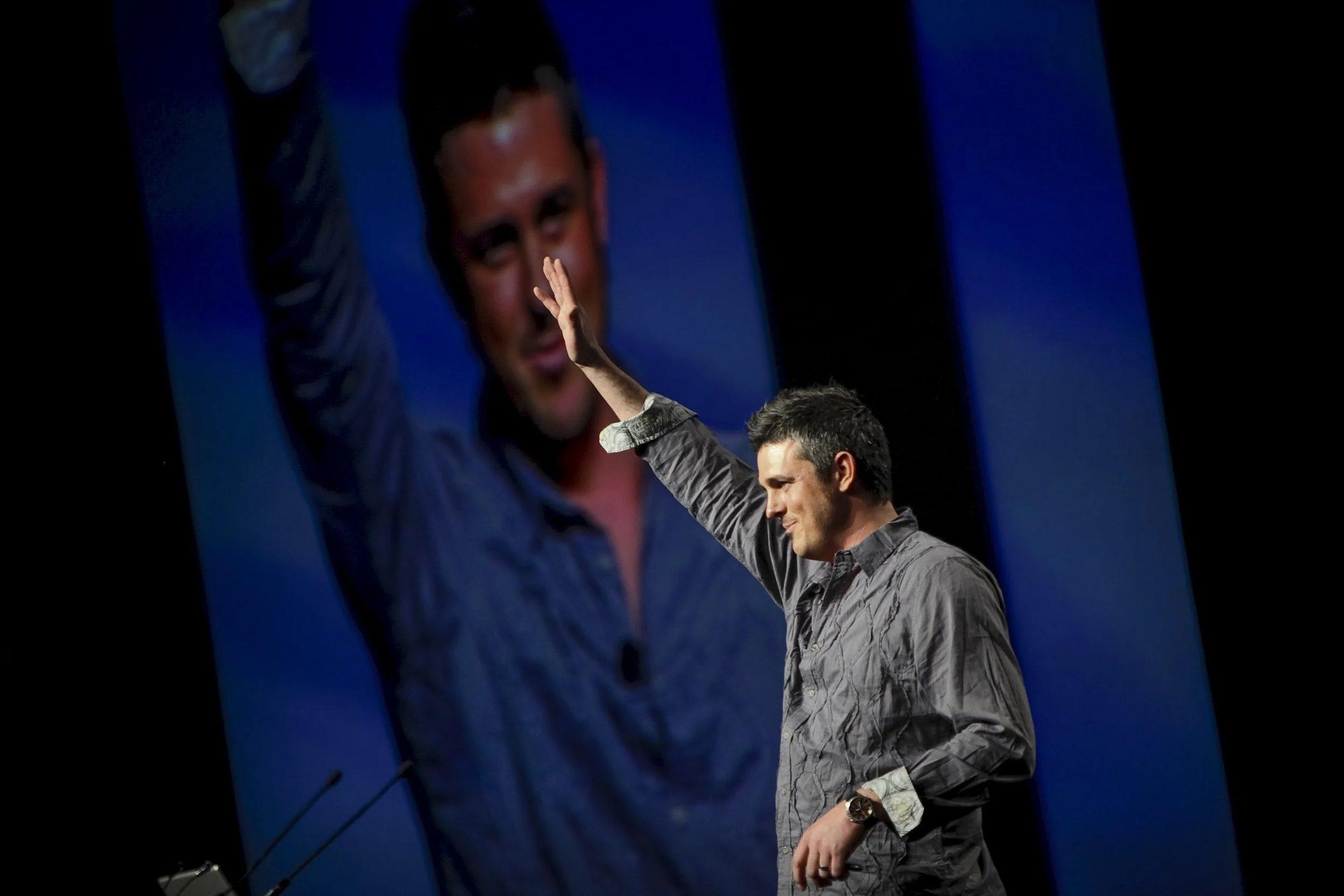
The short answer
Livestream your conference when people who can't travel will pay, renew or sponsor for live access, and when you can fund a dedicated internet line, a streaming crew and live captions. If remote members mainly want the content, record sessions and release them on demand. Big Wave Productions can stream and record from the same cameras.
Livestream your conference when people who can't travel will pay, renew or sponsor for live access, and when the budget covers a dedicated internet line, a streaming crew and live captions. If remote members mainly want the content, record the sessions and release them on demand instead. Big Wave Productions, a national conference photo and video company headquartered in Orlando, offers livestreaming for conferences, and this is the decision we walk organizers through before we quote one.
Who a livestream actually serves
A stream earns its cost when it reaches people who would otherwise get nothing from your event, or when it creates value only a live moment can.
- Members who can't travel. Budget freezes, travel limits at their employer, caregiving, or a long international flight keep plenty of people home.
- Your own staff and board. The team running the office that week can still see the keynote.
- Sponsors. A sponsor logo on the stream, or a sponsored segment between sessions, extends their reach past the ballroom. Our guide to selling video to sponsors covers how to package it.
- Revenue. A virtual pass priced below in-person registration can bring in people who were never going to buy a plane ticket.
- Moments with live value. A keynote announcement, an annual business meeting vote or an awards program loses something when it is watched a week later.
A stream does far less for people who come for the hallway conversations, the expo and the receptions. Hands-on workshops rarely translate to a screen, and closed-door sessions shouldn't be on camera at all. Our guide to speaker releases covers which sessions to keep off the record.
Livestream or record for on-demand?
| Livestream | Record for on-demand | |
|---|---|---|
| When people watch | Only during the session, across time zones | Whenever they want |
| Risk on the day | Internet, encoder and platform problems are visible to viewers | Problems are fixed in the edit |
| Finish | Viewers see what happens in the room | Title cards, captions, cleanup and synced slides |
| Rights | Music or third-party clips can interrupt the stream | Problem content is cut before release |
| Extra cost drivers | Internet line, switching and encoding crew, live captions, rehearsal | Editing time for each session |
| Best for | Keynotes, announcements, votes, awards | Breakouts, technical sessions, a member library |
You don't have to pick one. The camera, slide and board audio feeds going to a stream can be recorded at the same moment and edited into the on-demand library afterward. A third route sits in between: play a recorded session at a scheduled time while a moderator answers questions in the chat. Remote members get an event to show up for, without live risk.
What a livestream takes
Crew
A recorded session can run with camera operators and an editor later. A live stream needs decisions made in real time, so it adds roles:
- Camera operators on the stage and audience.
- A technical director who switches between cameras and slides.
- An audio engineer working with the house sound board.
- A stream engineer watching the encoder, the connection and the platform.
- A producer or host for the remote audience, handling chat and passing questions to the moderator.
On a single small stream, one person can cover two of those jobs. Streaming two rooms at once means two switching setups and two sets of people.
Internet
Venue Wi-Fi shared with a few thousand attendees is not a streaming connection. Order a dedicated, wired line from the venue's internet provider. At the Colorado Convention Center in Denver, for example, the venue's ancillary services guide says internet service is handled by Smart City Networks, with costs that vary by equipment and usage.
Size the line with headroom. YouTube's live encoder settings guide recommends a bitrate setting of 14 Mbps for 1080p at 30 frames per second with H.264 (5 Mbps minimum), plus 128 Kbps for stereo audio. Vimeo's network guide for live events recommends streaming over Ethernet on a dedicated, unshared network, setting the encoder's bitrate much lower than the available upload speed, and always recording locally as a backup. The same guide notes that blocked firewall ports are common on corporate networks, naming convention centers and hotels. Test the line in the room, on show days, before doors open.
Venue fees and rules
A stream touches the venue in more places than a camera does. Budget for the internet order, power at the streaming desk and a position with a clear view of the stage. Tying into house sound can carry a fee: the Anchorage Convention Centers' service company policy makes patch fees for client-provided AV equipment the contractor's responsibility. Some venues also set labor rules, such as the Colorado Convention Center's requirement that outside AV vendors employ IATSE Local No. 7 union labor.
Platform setup
Decide early whether the stream lives on a members-only event platform or a public channel. For YouTube, the live streaming setup page says a channel needs to be verified and have no live streaming restrictions in the past 90 days. Set it up weeks ahead and run a private test stream.
Music is the most common surprise. YouTube's help page on copyright issues with live streams says that when third-party content is identified, a placeholder image may replace the live stream, and that a stream can be interrupted even when you have licensed the content, if your channel isn't on the rights holder's allowlist. Keep walk-in music and speaker video clips off the stream feed unless they are cleared for it.
Captions
The W3C's WCAG 2.2 lists captions for live audio content as Success Criterion 1.2.4, Level AA. Book a human captioner or set up automatic captions well before the event, and send speaker names, acronyms and industry terms ahead either way. Ask your counsel whether captions are a legal requirement for your organization.
Speaker consent
A livestream is distribution in real time, with no edit in between. Every speaker on a streamed stage should have agreed to it in writing, and the agreement should say so specifically.
What drives the cost
We don't publish livestream prices, because the scope swings widely. These are the lines that move a quote:
- The number of rooms streamed and the hours in each.
- Crew roles for each streamed room.
- Switching, encoding and backup recording gear.
- The internet line ordered through the venue.
- AV patch fees, venue labor rules and power.
- A virtual event platform, if you use one.
- Live captioning.
- A rehearsal and test window before doors open.
- Someone hosting the remote audience.
Streaming fewer rooms is the biggest lever. Big Wave quotes livestreaming after a discovery call, as part of the full conference scope, so shared cameras and crew aren't paid for twice.
Will a livestream hurt in-person attendance?
It depends on what you stream and how you price it, and your own registration data is the best evidence you will get. A few choices protect the room:
- Stream general sessions and keep breakouts, workshops, the expo and receptions in person.
- Price the virtual pass for people who weren't going to travel, and spell out what only in-person attendees get.
- Give in-person attendees the on-demand library first.
- Compare registrations by type with prior years, and ask virtual viewers whether they would have attended in person.
Smaller ways to reach remote members
A full stream isn't the only option. Each of these costs less and carries less risk:
- Stream only the opening keynote.
- Publish a same-day recap video each evening.
- Record the sessions and release them within a few weeks. Our guide to recording conference sessions covers the setup.
- Play recorded sessions at scheduled times with a live chat host.
A decision checklist
- Have members told you they want to watch live, not later?
- Is there a moment, such as a vote, an announcement or an award, that loses value a week later?
- Will someone pay for it: virtual registrants, a sponsor or renewing members?
- Can the venue provide a dedicated wired line, and do you know what it costs?
- Do your speaker agreements cover live distribution?
- Is there budget for live captions?
- Is someone on your staff ready to host the remote audience?
- Would a recording released in two weeks serve most of these people just as well?
If the first three answers are yes and the next four check out, stream. If the last answer is yes, record and save the stream budget for something else.
Plan the stream with the rest of your coverage
A stream is easiest to add when the same crew is already filming sessions, interviews and the recap. See how conference video production works at Big Wave, and check our booking timeline for when internet and venue orders should go in. Then book a discovery call with Brian or call or text the office at 407.498.5980, and bring the list of sessions you are thinking about streaming.
Sources
- YouTube Help, Choose live encoder settings, bitrates, and resolutions
- YouTube Help, Get started with live streaming
- YouTube Help, Copyright issues with live streams
- Vimeo Help Center, Recommended network configuration for live events
- W3C Web Accessibility Initiative, Understanding Success Criterion 1.2.4: Captions (Live), WCAG 2.2
- Colorado Convention Center, Ancillary Services and Charges (PDF)
- Anchorage Convention Centers, Service Company/Decorator Policy (PDF)