The short answer
To record conference sessions for on-demand viewing, use two or more cameras, capture slides directly from the presentation feed, take audio from the house soundboard with wireless mics as backup, and get signed speaker releases before the event. Edit each session with branded title cards, an end slate and captions, then host the library where members can find it.
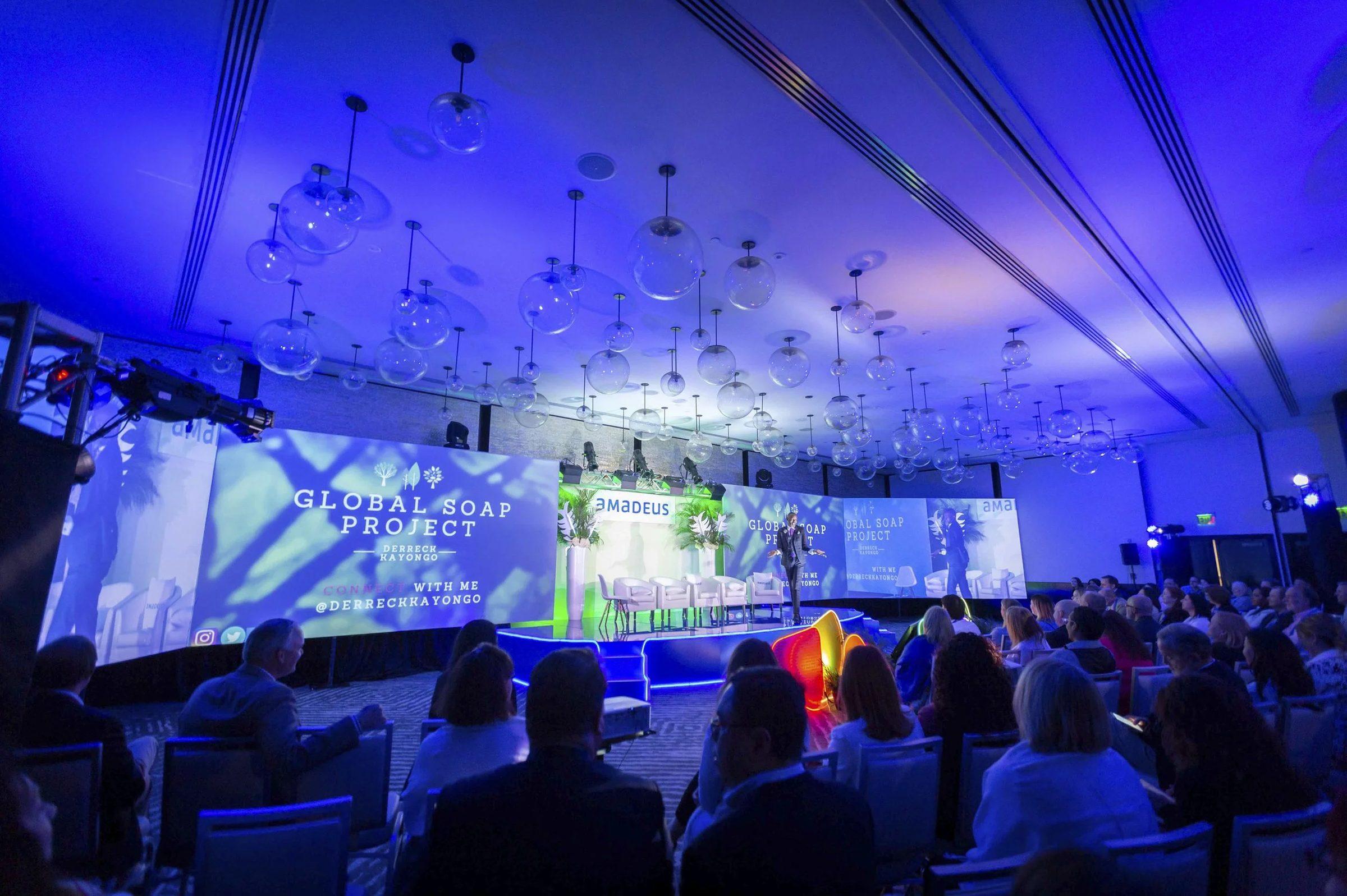
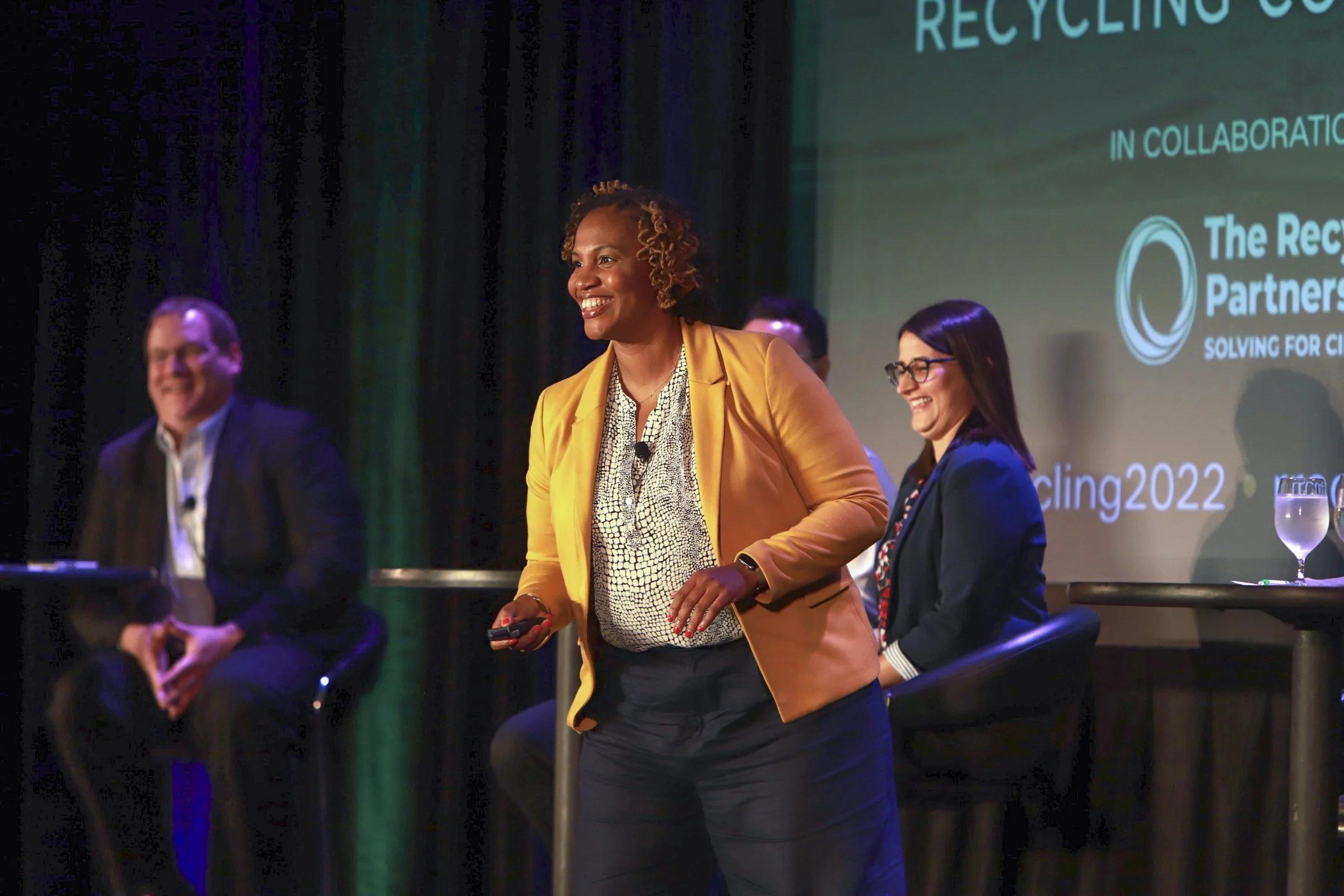
Recording conference sessions for on-demand viewing works when each session is treated as its own video: a camera on the speaker, slides captured directly, clean audio from the house board, and a signed release. Over nine years with Resource Recycling, Big Wave Productions has produced more than 50 full-length, multi-camera session recordings, each with branded title cards and an end slate carrying next year's dates.
The camera positions, the slide feed, the audio split from the house board and the speaker releases are all settled before the first session starts.
Decide which sessions to record
Recording everything sounds generous, but a useful library is built on the sessions people actually want: keynotes, plenaries, headline panels and the breakouts with the strongest demand. Choose before the event, so the AV plan, the camera positions and the speaker releases all match.
For a sense of scale: Big Wave covers four annual conferences for Resource Recycling, including E-Scrap and the Plastics Recycling Conference. At E-Scrap 2025, the crew filmed six full-length session and plenary videos while also covering photography, greenroom interviews and same-day recaps. A recording list that size leaves the crew free for everything else on the agenda.
Questions to ask when choosing:
- Will members log in, pay or renew for this content?
- Does the speaker allow recording, and are the slides cleared for distribution?
- Is the room set up for cameras, with a riser or a clear sight line?
- Does the session work for someone who was not in the room? Hands-on workshops with group exercises often do not.
Multi-camera setups
| Session type | Cameras | Why |
|---|---|---|
| Single speaker, breakout room | 1 or 2, plus slide capture | A wide safety shot and a tighter shot on the speaker |
| Keynote on a large stage | 2 or 3, plus slide capture | Tight on the speaker, a wide for scale, an audience angle for reactions |
| Panel or debate | 3 or more, plus slide capture | Every panelist needs a clean angle when they speak |
We record sessions with multiple 4K cameras. Shooting in 4K gives the editor room to reframe in post, which helps when a speaker wanders off their mark or a panelist leans out of frame. Cameras usually sit on a riser at the back of the room, with a side angle for panels. Coordinate positions with the AV company early, because risers, power and sight lines are all part of their room plan, and a camera riser added on the day may not fit.
Capture the slides directly
Filming the projection screen gives you washed-out, angled slides that are hard to read on a laptop. The fix is direct slide capture: recording the presentation signal from the AV switcher or the presenter's laptop, so every slide is sharp in the edit. Ask speakers for their final decks as a backup, and confirm with the AV team where the feed will come from and in what format.
In the edit, slides can run full screen when the content matters most and side by side with the speaker when the delivery matters. A chart-heavy technical talk leans on slides. A keynote story leans on the speaker.
Audio from the house board and wireless mics
Viewers forgive a soft shot much faster than bad audio. Use two sources:
- A feed from the house soundboard, the mixer the AV engineer runs. It carries every live microphone in the room.
- Wireless microphones as backup, recorded by the video crew, in case the board feed drops or picks up noise.
For Q&A, make sure audience questions go through a handheld mic, or ask the moderator to repeat each question before the answer. Questions nobody can hear are one of the most common reasons a good session recording needs heavy cutting.
Work with the AV company early
The AV company controls the stage, the screens and the sound, so session recording is a joint plan. Send them a short request list well before load-in:
- Camera positions for each recorded room, with risers where the crowd would block a tripod.
- Power at every camera position.
- An audio feed from the soundboard for each recorded room.
- A slide or program feed from the switcher, with the connection type agreed in advance.
- Time for a tech check in each room before doors open, with a speaker or stand-in at the lectern.
A ten-minute check the morning of the first session catches most problems, from a dead audio channel to a slide feed in the wrong resolution, while there is still time to fix them.
Speaker release forms and rights
Recording is the easy part. Publishing needs permission. Put recording consent in the speaker agreement, not on a form handed out backstage five minutes before the session. A useful release covers:
- Permission to record, edit and distribute the session.
- Where it can appear: a members-only portal, a public website, social clips, paid promotion.
- How long the organizer can use it.
- Responsibility for third-party material in the slides, such as video clips, music or images the speaker does not own.
- What happens with panel substitutions, since every panelist needs to sign.
Your counsel should write the actual language. If a speaker plays copyrighted music or video during a talk, plan to edit it out before the session goes online. For more on ownership and licensing, see our guide to usage rights and music licensing.
Branded title cards and end slates
Every session should open and close the same way:
- Title card: the session title, speaker names and titles, and the conference logo.
- Lower thirds: names and titles when each speaker first appears on screen.
- End slate: next year's conference name, dates and city, with a link to register.
Resource Recycling's session videos close with an end slate promoting next year's dates, which turns every view into a registration reminder. Match the conference's fonts, logos and messaging across every video. When a conference rebrands, the way E-Scrap became "E-Scrap: The Longevity Conference," the title cards and end slates should change with it.
Captions
Caption every session. The W3C's Web Content Accessibility Guidelines list captions for prerecorded audio in synchronized media as a Level A success criterion (1.2.2), the most basic level of conformance. Captions also help members who watch with the sound off, and they give each talk a text version that can be searched. If accessibility is a legal question for your organization, talk to your counsel.
Editing turnaround
Turnaround depends on the number of sessions, the number of camera angles, slide syncing, captions and how many review rounds you need. Multi-camera sessions take longer to edit than single-camera ones, because the editor cuts between angles and slides for the full length of every talk.
A few habits keep the library on schedule:
- Agree on delivery dates in writing during planning.
- Release in waves: keynotes first, then breakouts.
- Name one approver for title cards and speaker names.
- Send the correct spelling of every speaker's name and title before the event, not after the first cut.
Hosting for members
An online library gives members access to the program long after the closing session. Where you host it depends on your goals:
- A members-only portal or learning platform if the sessions are a membership benefit or a paid product.
- A private video host embedded on your own site if you want control over who watches and how the player looks.
- A public channel for selected sessions that market the conference to people who have never attended.
Add chapters or a short description with speaker names to each video so members can find what they need. Cut short clips from the best moments for social and email, and point them back to the full session. A same-day recap video is built for the week of the event. The session library is what members search when they need the actual content months later.
Record your sessions with a crew that does it every year
Session recording is part of our conference video production work, often alongside event photography, interviews and recaps from the same crew. See the full scope in the Resource Recycling case study. When you have a draft agenda, book a discovery call with Brian or call or text the office at 407.498.5980, and we will go room by room to decide which sessions to record and how many cameras each one needs.