The short answer
Conferences turn video into sponsor revenue by selling it as named assets in the prospectus: a sponsored greenroom interview studio, branded session recordings, sponsor spotlight interviews, sponsored daily recaps and a sponsored headshot lounge. Price each from its production cost and the exposure it delivers, write usage rights into the agreement, and send sponsors proof of what ran.
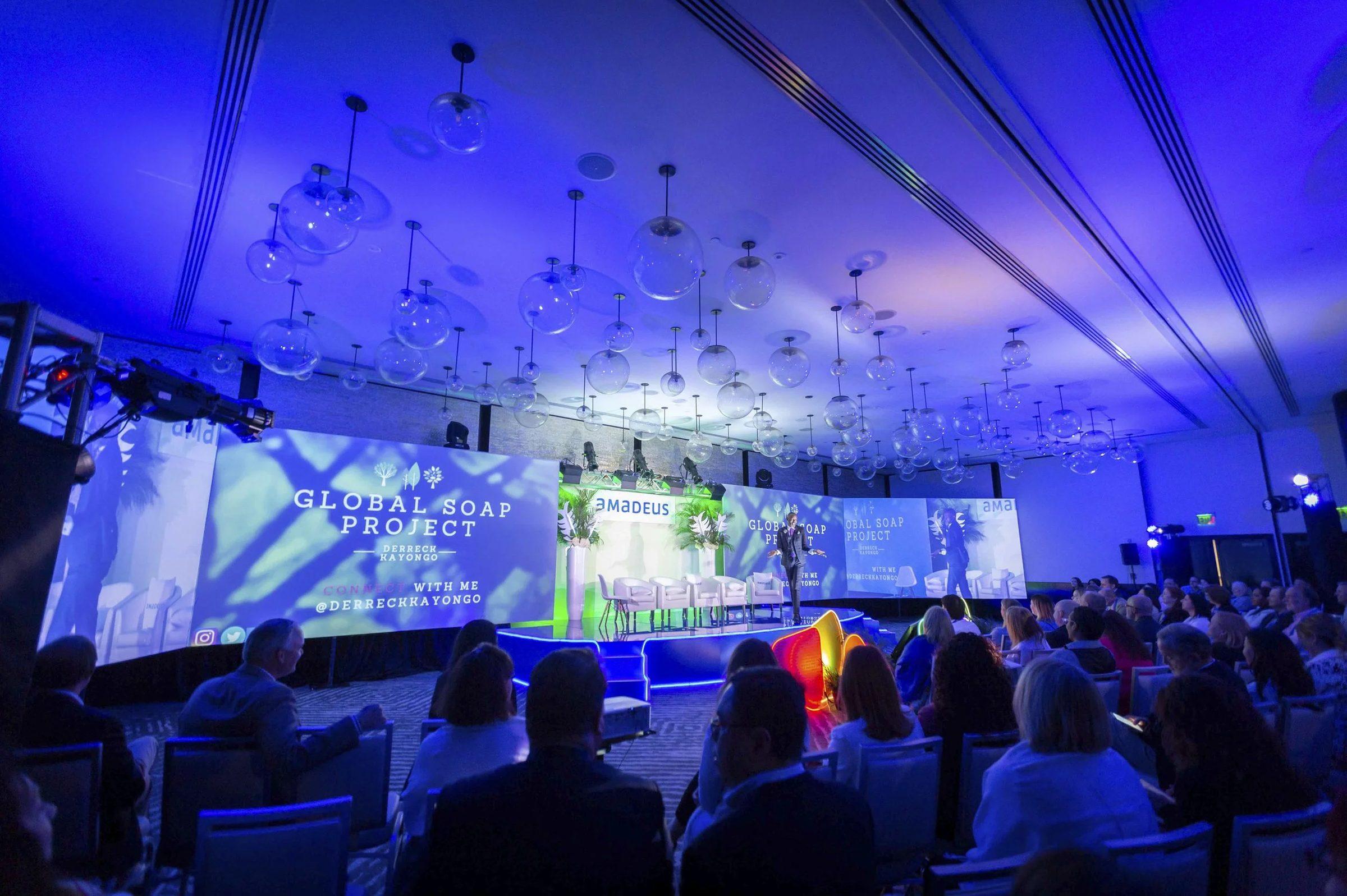
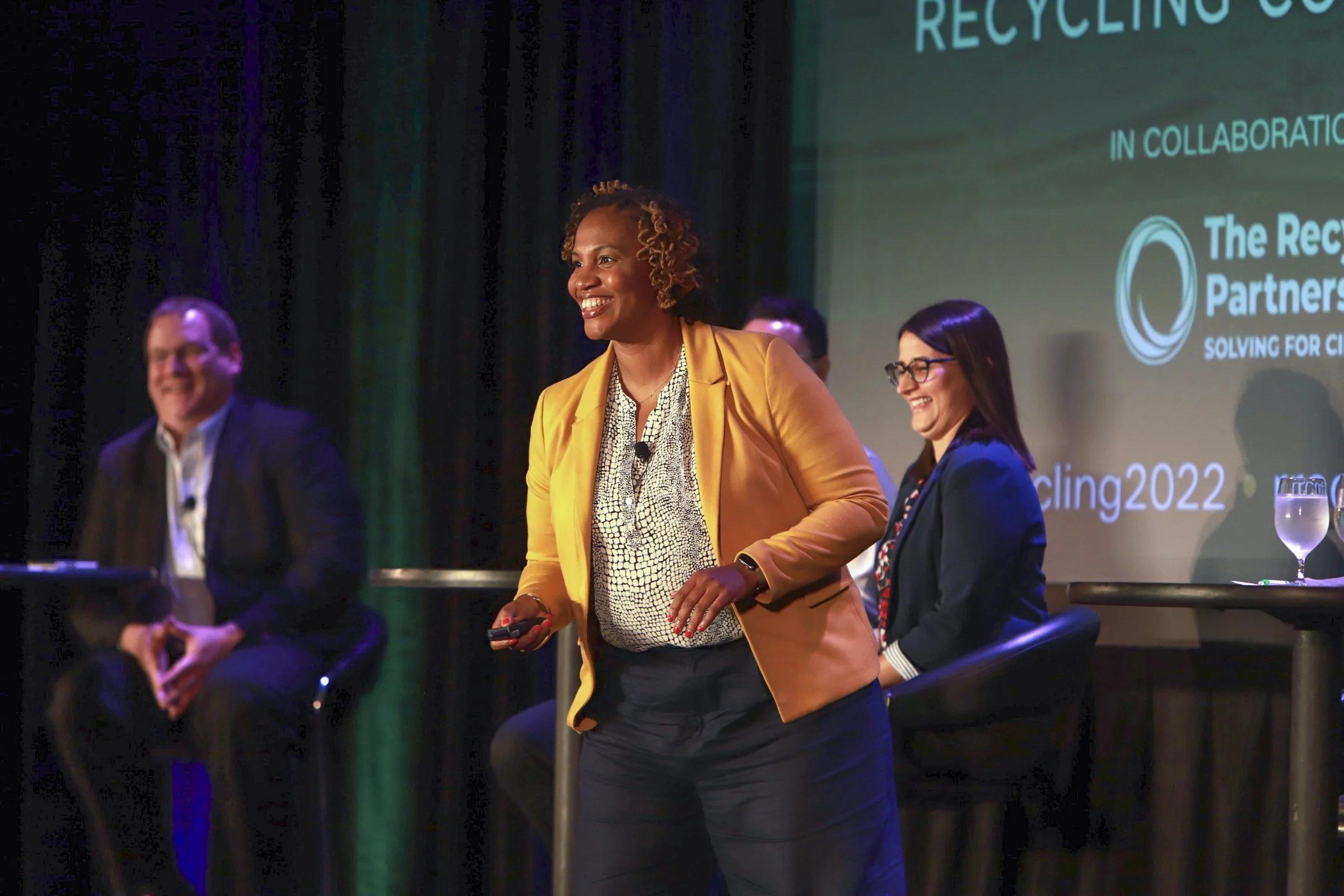
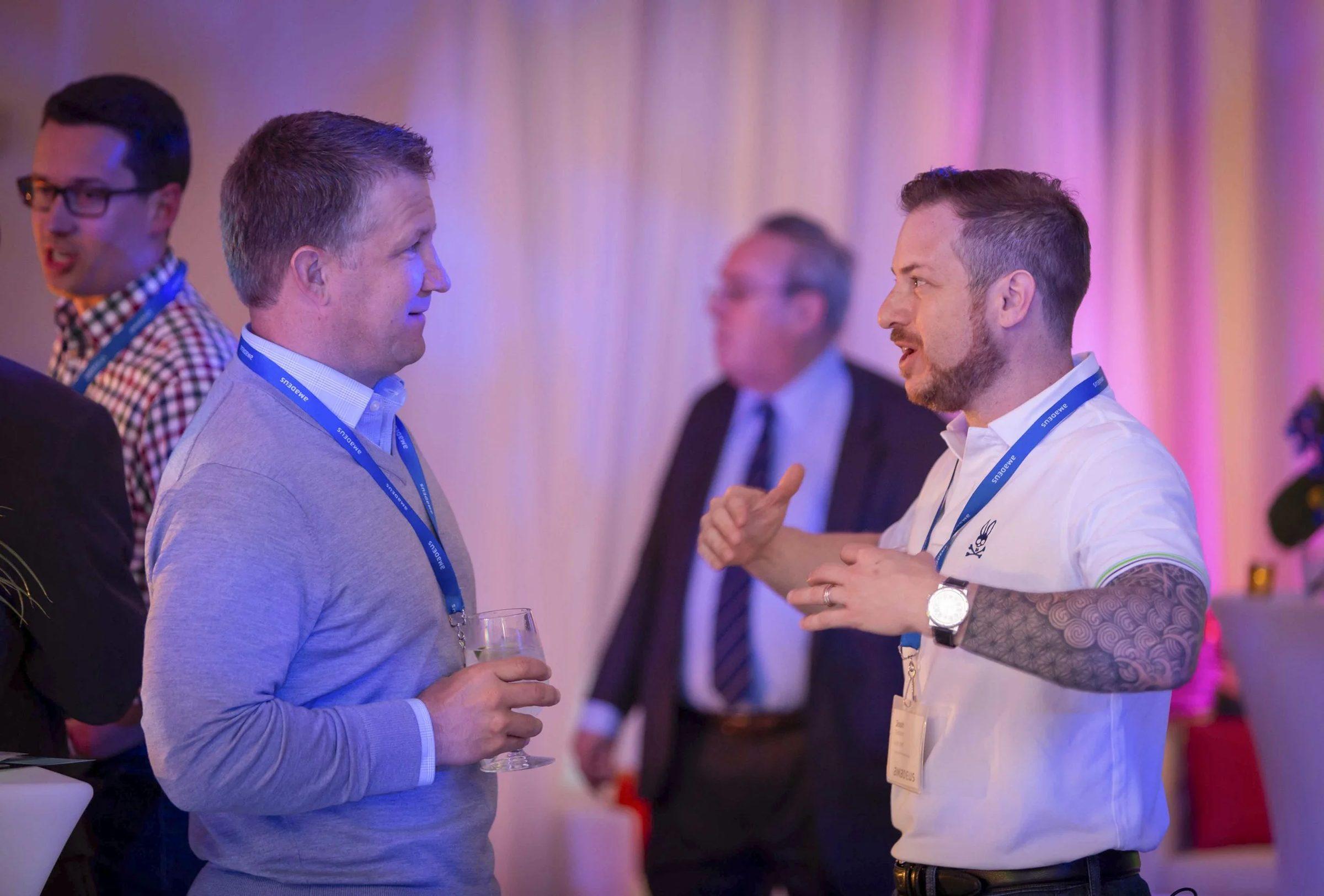
Conferences turn video into sponsor revenue by selling it the same way they sell a reception or a lanyard: as a named asset in the prospectus, with clear deliverables and proof afterward. Of all the conference sponsorship ideas on a prospectus, video is one of the few a sponsor keeps using after the show. Big Wave Productions has photographed and filmed 25+ conferences for Resource Recycling over nine years, and the assets below are the ones that turn that kind of coverage into line items a sponsor can buy.
What follows covers what to sell, how to price and package it without guessing, what goes in the agreement, how to label paid content, and the report that gets sponsors to renew.
Why video belongs in the prospectus
Sponsors already buy. In the Center for Exhibition Industry Research's B2B Exhibition Sponsorship Playbook, 83% of surveyed exhibitors had purchased at least one sponsorship in the previous two years, according to the International Association of Exhibitions and Events summary of the 2019 reports (IAEE).
The same research found a gap. 53% of sponsorship buyers said they were satisfied with their purchases and 40% were neutral, while 73% of organizers believed buyers were satisfied. Those are B2B exhibition figures from 2019, but the lesson travels: a large share of sponsors could not say whether their money worked.
That neutral group is the opening for video. A logo on a tote bag is hard to evaluate. A finished interview with a link, a view count and a file the sponsor's marketing team can post is easy to evaluate. Video gives a sponsor something to point at when their boss asks what the sponsorship bought.
What video can a conference sell to sponsors?
1. Presenting sponsor of the greenroom studio
A greenroom interview studio is a lit set inside the venue where speakers and industry leaders record short interviews between sessions. A presenting sponsor puts its brand on the set or in the graphics of every interview, and the package can include a slot for its own executive. At E-Scrap 2025 in Grapevine, Texas, our studio produced 15 individually edited interviews over three days, which is 15 pieces carrying a sponsor's name for months after the event. Setup and scheduling are covered in our greenroom guide.
2. Branded session recordings
Members keep watching the on-demand library long after the closing session, which makes it real estate. Sell a "sessions presented by" credit on the title card and end slate of every recording. Resource Recycling's session recordings already carry branded title cards and an end slate with next year's dates, so a sponsor card slots into a template that exists anyway. The library is also the backbone of a year of releases, as our guide to turning one conference into a year of content shows.
3. Sponsor spotlight interviews
A short interview with the sponsor's executive about the industry, filmed in the greenroom or at their booth, edited and delivered to the sponsor for its own channels. Sell it inside top tiers or as an add-on. Because the piece is about the sponsor, treat it as advertising, which matters in the disclosure section below.
4. Sponsored daily recaps
A same-day recap video goes out by email and social on the night it is cut, then plays at the next morning's general session. An opening or closing card naming the sponsor puts its brand in front of every attendee each night of the event. We cut three of them at E-Scrap 2025, one per conference day.
5. The sponsored headshot lounge
A mobile portrait studio where attendees get a professionally lit, retouched headshot, with the sponsor's name on the lounge, a presence at check-in and its name on the delivery email. This one sells, and the sponsorship can often more than cover the cost of the photographer. Our headshot lounge guide covers the footprint and the sponsor pitch.
The assets side by side
| Asset | What the sponsor gets | Proof you can send |
|---|---|---|
| Greenroom presenting sponsor | Brand on the set and graphics, an executive interview | Links to every interview, views, the edited file |
| Branded session recordings | Credit on the title card and end slate of each session | Library views, the list of sessions carrying the credit |
| Spotlight interview | A finished interview for its own channels | The delivered file and results of the organizer's post |
| Sponsored daily recaps | An opening or closing card each night | Screen plays, email clicks, social views |
| Headshot lounge | Naming, signage, check-in presence, the delivery email | Portraits delivered, opt-in leads, photos of the lounge |
How to price and package video for sponsors
You won't find a rate card here, because the right price depends on your audience and your production cost. The method is what matters:
- Know the production cost first. Ask your production company to quote each sponsor asset as its own line, so you know your floor. Big Wave quotes each conference after a discovery call.
- Price against your own prospectus. Compare each asset to what you already charge for similar exposure, such as a reception, the event app or the registration area, and to the audience it reaches. A video that keeps playing for months outlasts a reception that ends at 9 p.m.
- Decide exclusive or shared. One presenting sponsor for the greenroom or the session library is a premium item. Interview slots can be spread across the top tiers.
- Offer packages and a la carte. Packages fill tiers. A single interview sold on its own lets a smaller sponsor buy in.
- Set a sales deadline tied to production. Set graphics and title cards need logo files and approvals weeks before the event. An asset sold the week of the conference may not be producible.
What to write into the sponsor agreement
Most sponsor disputes start with something nobody wrote down. Cover these in the agreement:
- Deliverables: the number of edited pieces, lengths, orientations and delivery dates.
- Approvals: whether the sponsor reviews its interview, and how many rounds.
- Brand assets: logo files and brand guidelines due by a fixed date.
- Usage rights: where the sponsor can post its pieces, for how long, and whether paid promotion is allowed. Music licensed for your channels may not cover a sponsor's paid ads. Our guide to usage rights and music licensing explains why.
- No-shows: what happens if the executive misses the interview slot.
- Disclosure: who labels paid content, and how.
Have your counsel review the language. This is general information, not legal advice.
Label paid content clearly
The Federal Trade Commission's native advertising guide is built on one idea: people should be able to tell an ad is an ad. It lists terms such as "Ad," "Advertisement," "Paid Advertisement" and "Sponsored Advertising Content" as likely to be understood, calls "Promoted" ambiguous at best, and says a company's logo or name on its own is unlikely to be enough. Its examples also treat content a sponsor merely funds, without promoting its own products, differently from content that sells something.
For conference video, that usually means a branded session recording and a spotlight interview about the sponsor's new service are different cases. On YouTube, the paid promotion setting in a video's details adds a disclosure label at the beginning of the video, and YouTube's help center says creators and their brand partners remain responsible for meeting legal disclosure requirements (YouTube Help). Ask your counsel which label each piece needs before anything is posted.
How do you prove value to video sponsors?
The CEIR finding that 40% of sponsorship buyers were neutral reads to us as a reporting problem as much as a value problem. Send a sponsor report within a few weeks of the event, well before renewal conversations start. Include:
- Every delivered piece, with a link and the date it went live.
- Where it ran: channels, emails, the general session screen, the member library.
- Numbers with definitions. A view is not a person. YouTube counts someone who watches on a phone and a laptop, or watches twice, as one unique viewer (YouTube Help), so report unique viewers where the platform provides them and label views as views.
- Clicks to the sponsor's link, tracked with UTM parameters on every link you control.
- Photos of their branding in use: the lounge, the set, the title card on screen. Same-day photo batches let sponsors see this before they leave the venue.
- Lounge results: the number of portraits delivered and the opt-in leads.
Agree on these measures when the sponsorship is sold. Then the report answers the questions the sponsor actually asked, instead of the ones that were easy to count.
Mistakes that cost renewals
- Selling more interview slots than the schedule can hold. Guest availability, not the crew, sets the ceiling. The E-Scrap studio averaged about five interviews a day.
- Logo files arriving after the title cards are built.
- A sponsor boosting a video with music that isn't licensed for paid ads.
- Burying the sponsor's content in a library page nobody opens.
- Sending the report after the renewal call instead of before it.
Put video in your next prospectus
The best time to add video sponsorships is before the prospectus goes out, while each asset can still be named, priced and scheduled with the crew. See how conference video production works with Big Wave and how we support conferences and associations. Then book a discovery call with Brian or call or text the office at 407.498.5980, and we will help you scope the sponsor assets and what each one takes to produce.
Sources
- International Association of Exhibitions and Events, CEIR Rewind: A Look at 2019 (summaries of the B2B Exhibition Sponsorship Playbook, Parts One and Two)
- Federal Trade Commission, Native Advertising: A Guide for Businesses
- YouTube Help, Add branded content restrictions and disclosure labels
- YouTube Help, Understand your unique viewers data