The short answer
Turn one conference into a year of content by deciding the outputs before the event, capturing enough raw material to feed them, and releasing pieces on a calendar instead of all in the first week. Session recordings, interviews, photos, the recap film and short clips can fill your channels from the closing session until next year's registration opens.
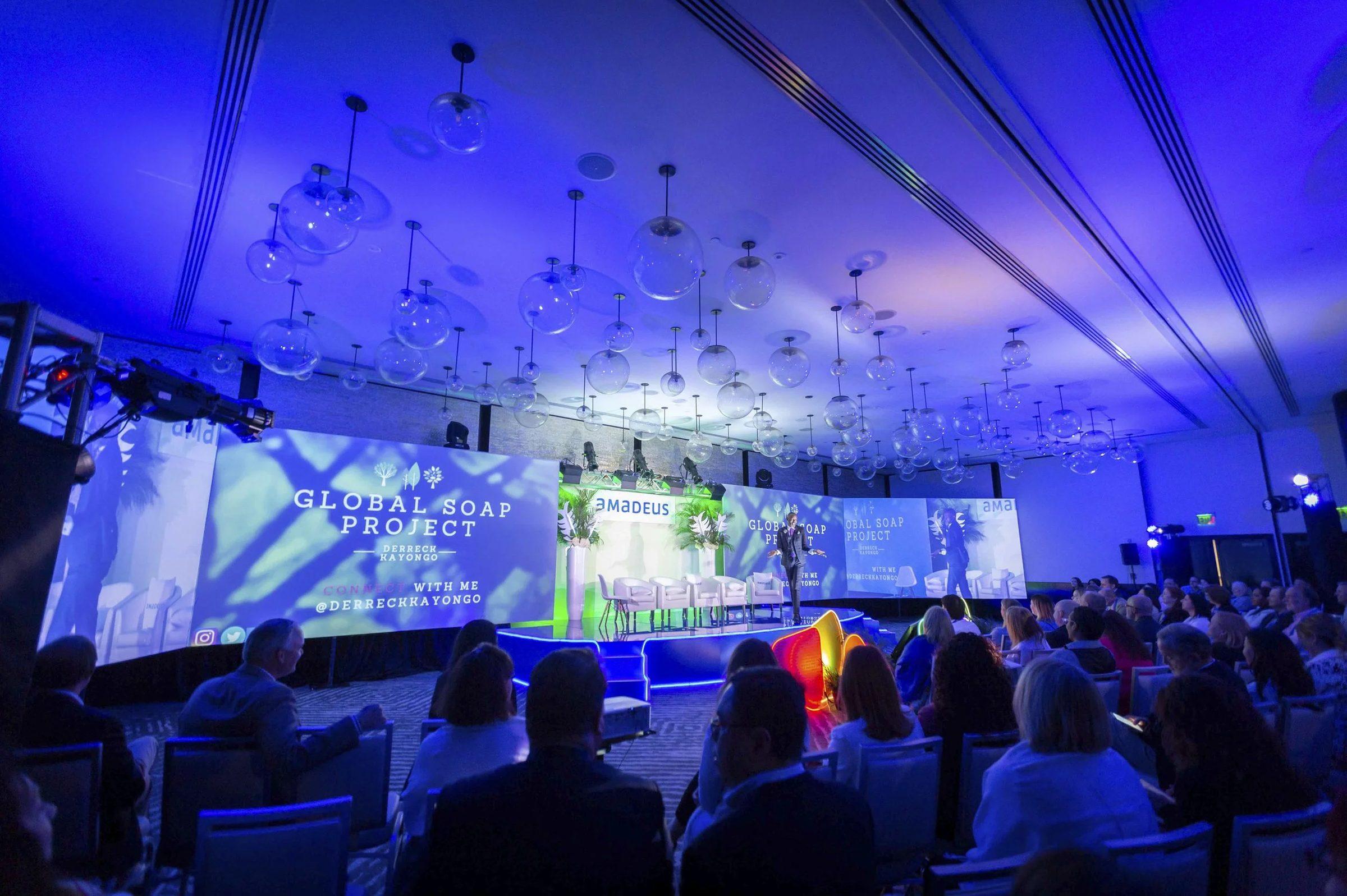
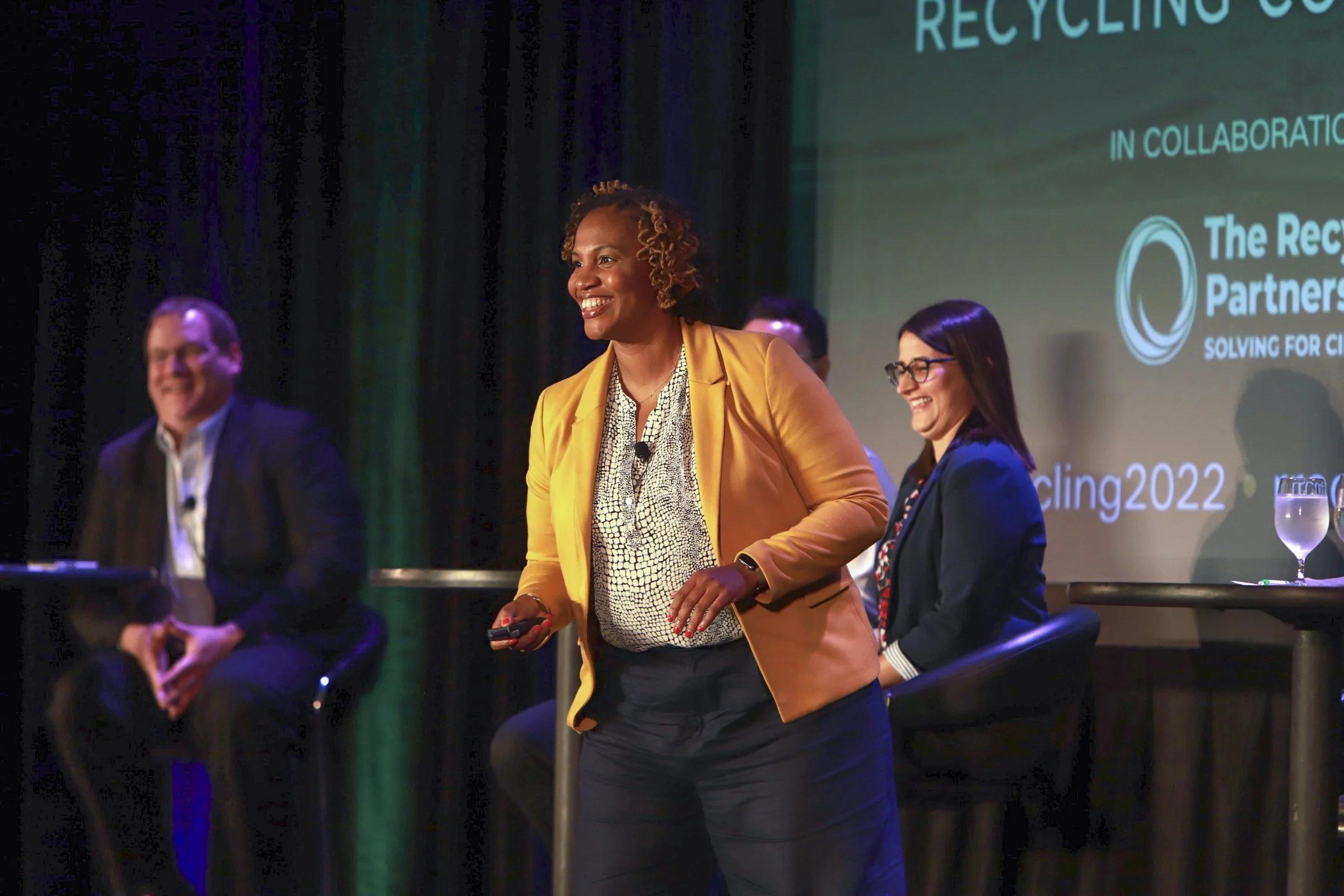
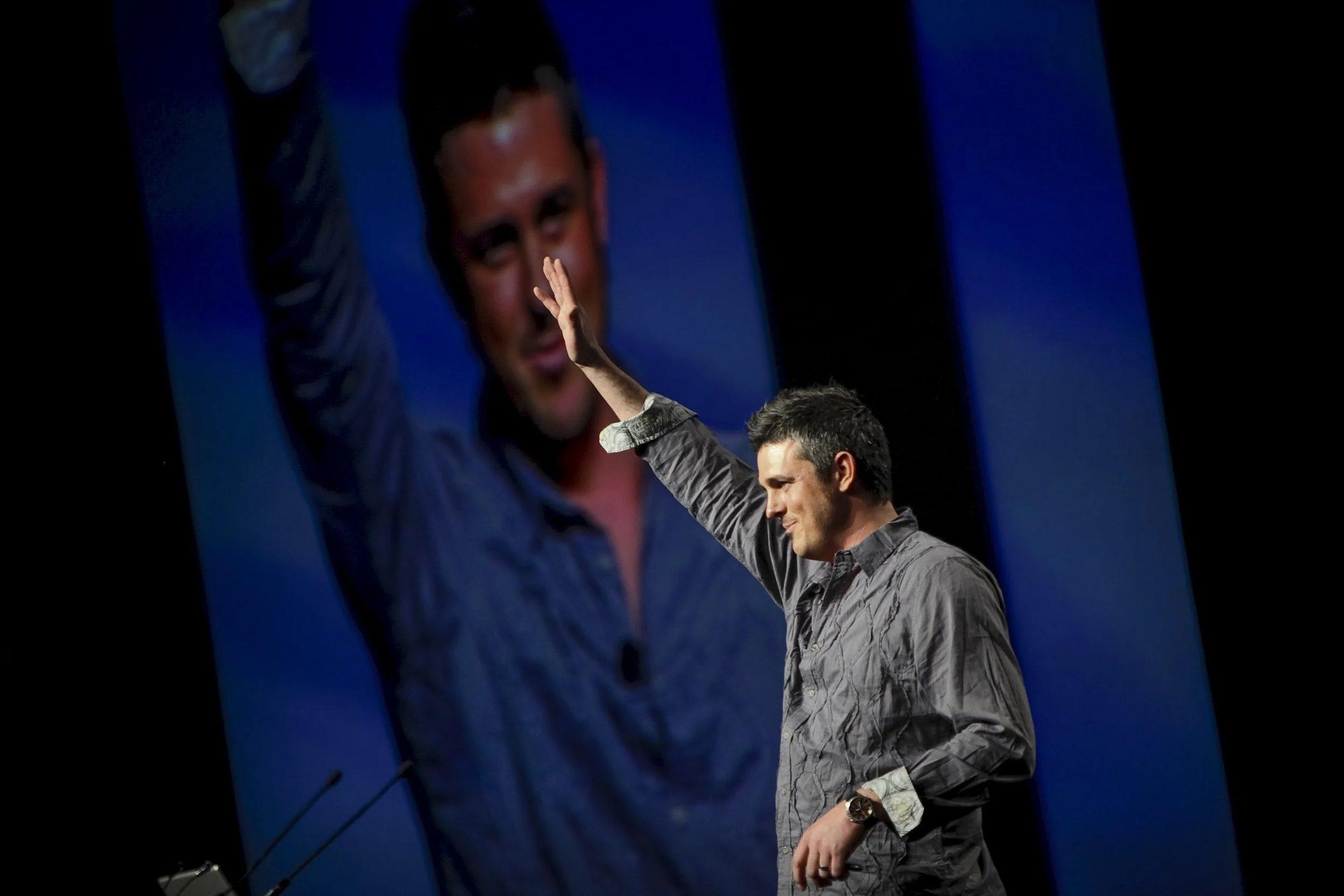
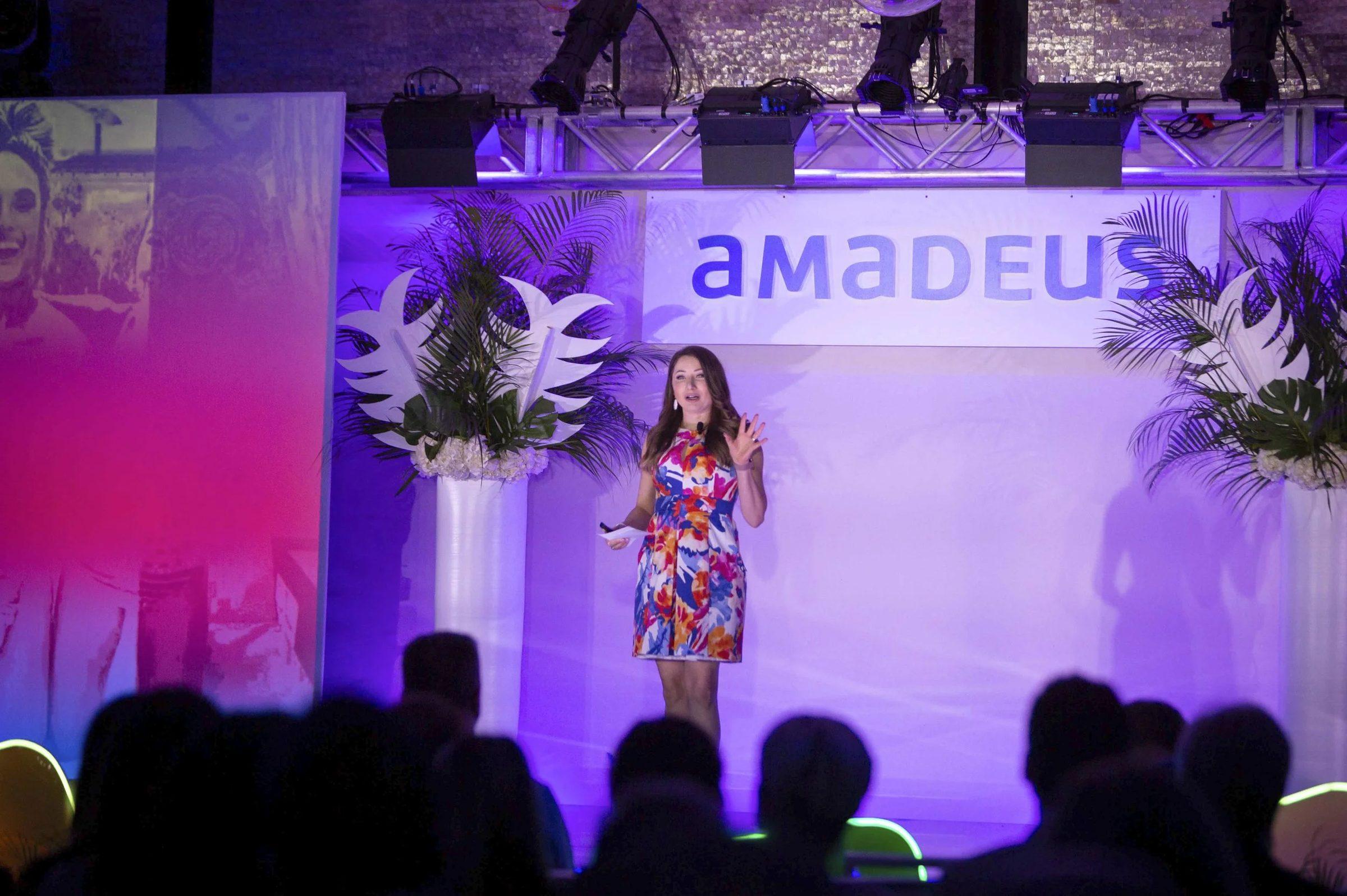
One conference can feed a full year of marketing if you plan the outputs before the event and release them on a calendar instead of all at once. At E-Scrap 2025 in Grapevine, Texas, one Big Wave Productions crew came home after three days with more than 500 edited photos, a full-length recap film, six session and plenary videos, 15 greenroom interviews, 10 social promo videos and three same-day recaps. Released with a plan, that is enough to carry an organizer's channels until next year's registration opens.
Below is the plan I would hand any organizer, using that E-Scrap output as the worked example.
What content can one conference produce?
Before you schedule a single post, count what the event will produce and how long each piece stays useful. Here is the E-Scrap 2025 list with a realistic shelf life for each item.
| Asset | E-Scrap 2025 | Useful for | Who it serves |
|---|---|---|---|
| Edited event photos | 500+ | Until next year's event, longer for evergreen shots | Attendees, sponsors, trade press, next year's marketing |
| Full-length recap film | 1 | About a year | Prospects, sponsors, next year's opening session |
| Session and plenary videos | 6 | As long as the content stays current | Members and people who could not attend |
| Greenroom interviews | 15 | Months, if the questions were built to age well | Social, email, editorial |
| Social promo videos | 10 | Weeks to months | Followers and the registration push |
| Same-day daily recaps | 3 | Event week | People in the building |
| Staff headshots | The organizer's team | Until people change roles | Website, bios, speaker pages |
Then count the second generation: the pieces you cut from the first. Six sessions can each give you three or four short clips. Fifteen interviews give you at least fifteen quote cards. A session transcript gives you an article. Most of the year comes from this second generation, which is why the first one has to be captured well.
What should you capture on site to fill a year?
You can only republish what someone recorded well enough to reuse. A few decisions before the event make the difference between a library and a pile of files:
- Record sessions so a clip can stand alone. Resource Recycling's sessions are recorded with multiple 4K cameras, direct slide capture and wireless mics. Clean audio and readable slides are what let a 60-second clip make sense to someone who sees it cold in month seven.
- Ask interview questions that age well. "What should people in your role watch for next year?" still works in March. "How is the show going?" does not. Our guide to the greenroom interview studio covers question design in detail.
- Clear the rights before anyone sits down. Clips on public channels need the speaker's permission in writing, and some speakers will agree to the member library but not to YouTube. See speaker releases for recorded sessions for what to collect.
- Frame for vertical on set. Reels and Shorts clips cut from a session look far better when the camera operator protected a vertical frame during the talk.
- Log the strong moments as they happen. Ask a staff member or the producer to note the time and room of every quotable line, big laugh or standing-room crowd. A log written on day one saves hours of scrubbing when someone needs a clip in month nine.
How do you spread conference content across 12 months?
Months are counted from the closing session. Shift them to match your own event cycle.
| When | What to release | Built from |
|---|---|---|
| Event week | Same-day recaps, photo batches, sponsor thank-you posts | Daily recaps and same-day photos |
| Weeks 1 to 2 | Recap film, full photo gallery, thank-you email, clips sent to speakers to share | Recap film, photos, session clips |
| Month 1 | Session library opens to members, one teaser clip per session | Session and plenary videos |
| Months 2 to 5 | One greenroom interview a week | Greenroom interviews |
| Months 3 to 6 | A monthly topic series pairing session clips with interview answers, plus articles drawn from transcripts | Sessions, interviews, transcripts |
| Months 6 to 8 | Call for speakers and the sponsor prospectus, using speaker clips and expo footage | Session clips, photos, recap film |
| Months 8 to 10 | Next year's promo, released with the agenda, then shorter cuts for early registration | Past footage, interviews, promo videos |
| Months 10 to 12 | Countdown posts, last year's photos, attendee quotes, registration reminders | Photos, interviews, social promo videos |
The event-week row is its own discipline, covered in our guide to same-day recap videos. After that, the math works in your favor. Fifteen interviews released one a week run close to four months on their own. Ten social promo videos at two a month cover five more. With output like that, the harder problem is usually finding someone with time to post it, not finding something to post.
The promo around month eight is where last year's footage pays off a second time. The E-Scrap 2026 promo we made for Resource Recycling combined footage from past conferences with licensed New Orleans b-roll and a voiceover written for the conference's new "Longevity" positioning and its ITAD audience, and it was released with the agenda.
How many pieces can one session recording become?
A 45-minute session is the richest single asset a conference produces. One recording can become several releases:
- The full session in the on-demand library, with chapters so members can jump to the part they need. On YouTube, chapters come from timestamps in the description: the first must be 00:00, you need at least three in ascending order, and each chapter must run at least 10 seconds (YouTube Help).
- Three or four short clips, each built around one idea and captioned. YouTube Shorts can run up to three minutes in a square or vertical frame (YouTube Help), but one clear point usually lands in well under a minute.
- A quote card that pairs the speaker's best line with their photo from the event gallery.
- An article written from the transcript, approved by the speaker, with the clip embedded.
- An email feature that links to the full session in the library.
If you want sessions to appear in Google results, give each public video its own page. Google's video guidance recommends a dedicated watch page for each video where that makes sense for the business, with a title and description unique to that video (Google Search Central).
Caption every clip and every full session. WCAG success criterion 1.2.2 calls for captions on prerecorded audio in synchronized media at Level A (W3C), and captions also keep a clip working for anyone watching with the sound off.
How should you use conference photos after the event?
Every channel needs images all year, and a conference gallery is a year's supply. Five hundred photos will show up in the attendee gallery, the sponsor recap, trade press coverage, next year's registration page, speaker invitations, board reports and the "one year ago" post the week before the next event.
The gallery only works that hard if people can find things in it. Organize it by day, by session and by sponsor, and tag the photos of speakers and VIPs by name. Nobody in month nine should have to scroll through three days of photos to find the keynote speaker.
Give speakers and sponsors their own pieces
The cheapest distribution is other people's channels. Within two weeks of the event, send each speaker their clip, a still from their session and a suggested caption. Many will post it, and their followers are exactly the people you want at next year's event.
Sponsors get their own set: booth photos, their stage moments and any interview they appeared in, within the rights in their agreement. Our guide to selling video to sponsors covers how to turn that content into a line in the sponsorship prospectus.
Keep a content tracker
A simple spreadsheet keeps a year of releases from turning into guesswork. Give each asset a row with:
- The file link and a short description
- Rights notes, such as "member library only" or "speaker approved for YouTube"
- The planned release date and channel
- Who owns posting it
- The live link once it is published, and how it performed
The rights column matters most. It is what stops a talk that was approved for members only from ending up on a public channel in month six.
Why do year-long content plans fall apart?
- Everything goes out in week one. Then the feed goes quiet until the promo, and attendees forget the event before registration opens.
- Clips that need context. "As you can see on this slide" means nothing in a 40-second clip without the slide.
- Dated details on camera. A banner with the year on it, or a guest saying "this year," shortens the life of an otherwise evergreen piece.
- No owner. A plan without a name next to each month stalls when the team turns to next year's logistics.
- Rights surprises. A speaker who never agreed to public posting finds their full talk on YouTube.
Plan the conference as a content source
The time to plan a year of content is before the crew books flights, while the shot list, the interview list and the speaker agreements are still open. Our conference video production work is built around that plan, and the Resource Recycling case study lays out the full E-Scrap 2025 deliverable list. Bring your agenda to a discovery call with Brian, or call or text the office at 407.498.5980, and we will map the year with you.
Sources
- YouTube Help, Video chapters
- YouTube Help, Upload YouTube Shorts
- Google Search Central, Video SEO best practices
- W3C, Understanding Success Criterion 1.2.2: Captions (Prerecorded)