The short answer
Start filming weeks before the ribbon cutting. Capture the signage install as a timelapse, the building from the air and the ground, and interviews with leaders, local officials and community partners, then cover opening day with multiple cameras. Deliver a full film, a display loop sized for the screen, and vertical social cuts.
The best opening videos start weeks before the ribbon cutting. The sign going up, the building from the air and the people who made it happen can each be filmed only once, so plan the shoot backward from opening day and deliver three things: a full film, a display loop and social cuts.
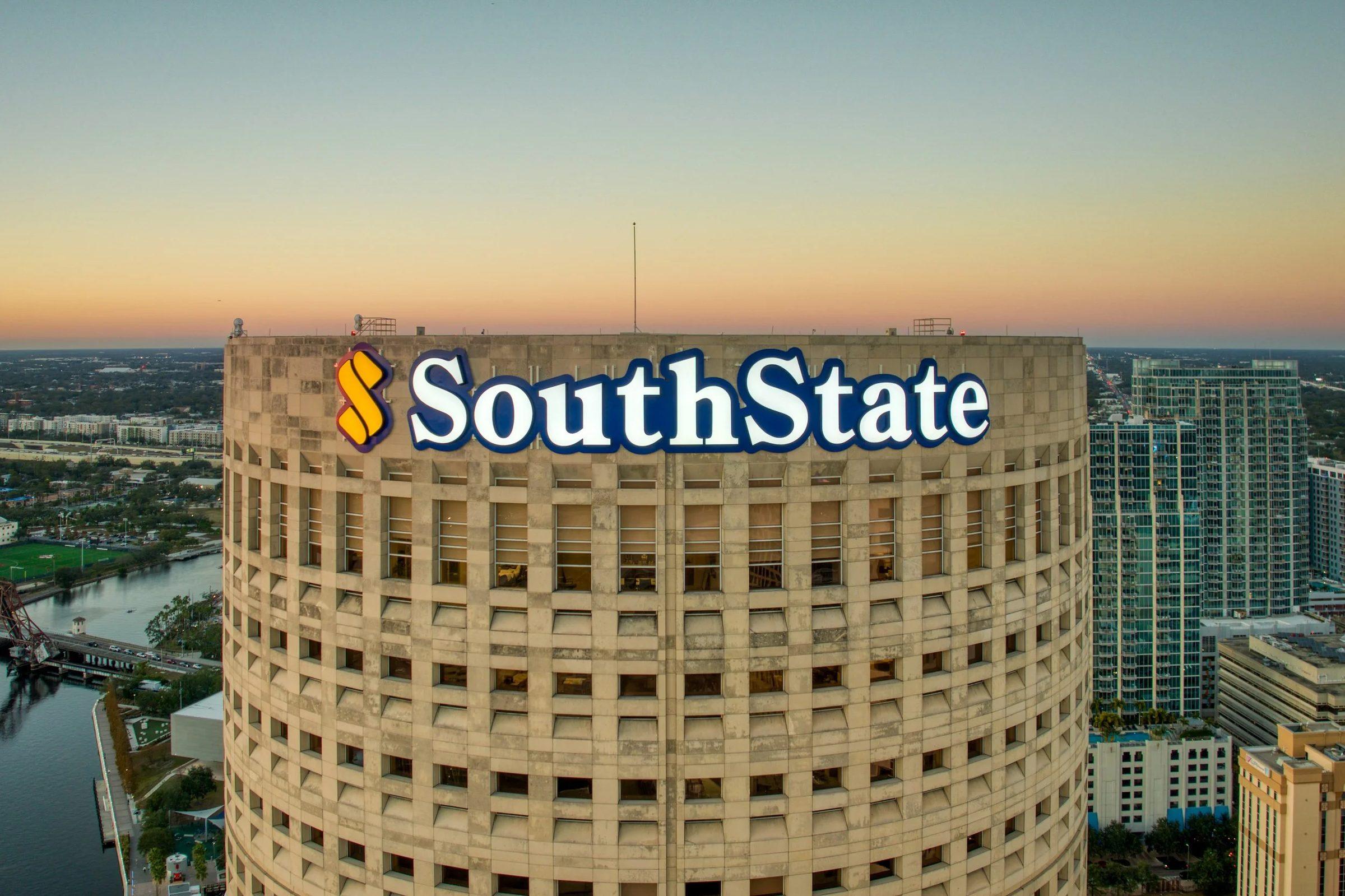
I'm writing this from behind the camera, and every example comes from one project: SouthState Bank's new regional headquarters at Rivergate Tower in Tampa, which Big Wave Productions filmed from the signage install through the grand opening.
Start before the ribbon
Most opening videos fail because the crew shows up on opening day. By then, the most visual part of the story is over. The sign is already on the building, the lobby is already finished, and the moment of change is gone.
At Rivergate Tower, the story started with the sign. A timelapse of the signage installation became part of the film. Nothing filmed on opening day could have replaced it.
So the first rule: find out what happens once, and be there.
The pre-production timeline
Work backward from the opening date. This is the schedule we aim for on a headquarters or flagship branch.
| When | What happens |
|---|---|
| 6 to 8 weeks out | Discovery call. Agree on deliverables: full film, display loop, social cuts, photos. Get the signage install schedule. Send interview requests to leaders and officials. |
| 4 to 6 weeks out | Scout the site. Plan aerials and check airspace. Get display specs from the AV team. Draft interview questions and send them to compliance. |
| 2 to 4 weeks out | Mount the timelapse camera before the install. Film interviews. Shoot ground and aerial b-roll on clear days. |
| Final week | Get the run of show from the event team. Lock the shot list, audio plan, releases and credentials. |
| Opening day | Multi-camera coverage, photography and a same-day social clip. |
| After | Edit, review rounds, display loop, social cuts and delivery. |
The two items that slip most often are the install date and officials' schedules. Ask the sign installer to tell you the moment the date moves, and ask for officials' time early.
Filming the signage install timelapse
A timelapse turns a day of crane work into ten seconds of transformation. To get it right:
- Coordinate with the sign installer. Learn the crane schedule, the order the letters go up, and whether there is a night lighting test. That test is often the best shot of the day.
- Lock the camera down. Use a secure mount with power and weather protection, and do not touch it until the install is done. A bumped camera ruins the shot.
- Cover two angles. One wide that shows the building in context, one tighter on the sign itself.
- Stay out of the work zone. Follow the installer's site rules. The crew is a guest on their job site.
Aerials and the building in context
A new regional headquarters is a statement about a city, and aerials show it. At Rivergate Tower we paired aerial footage of the building and the Tampa skyline with ground footage shot from street level.
Drone work needs planning. We plan every flight around the FAA's Part 107 rules for commercial drone operations, and downtown sites often sit in controlled airspace that requires authorization before a flight. Build in time for that, and keep a backup plan, such as a rooftop position or a long lens from a nearby vantage point, in case a flight is not approved. More on our approach on the drone and aerial video page.
Time aerials for the light. Early morning and the hour before sunset flatter glass and stone, and a dusk flight after the sign is lit gives you the shot that closes the film.
Interviews: leaders, officials and community partners
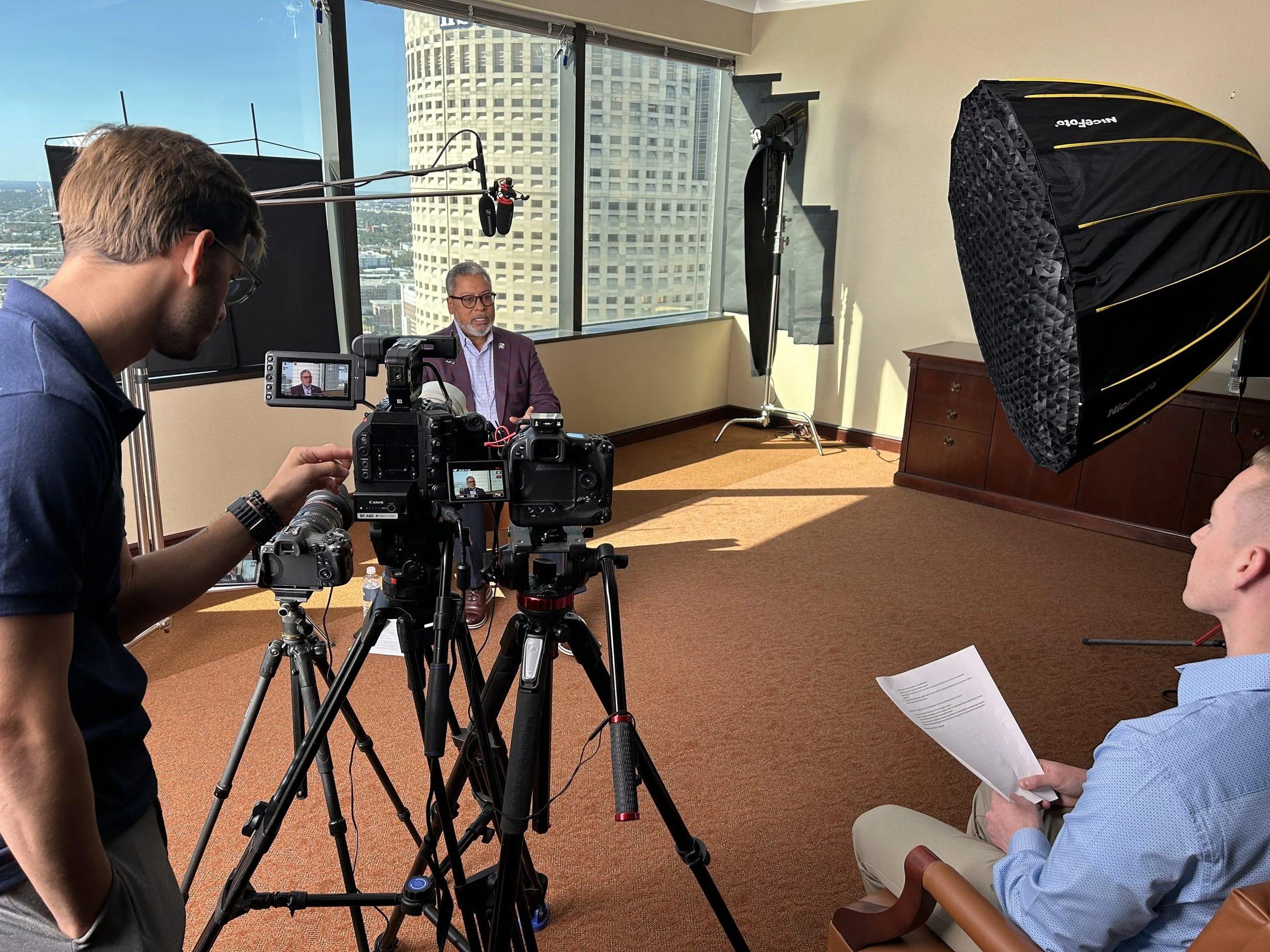
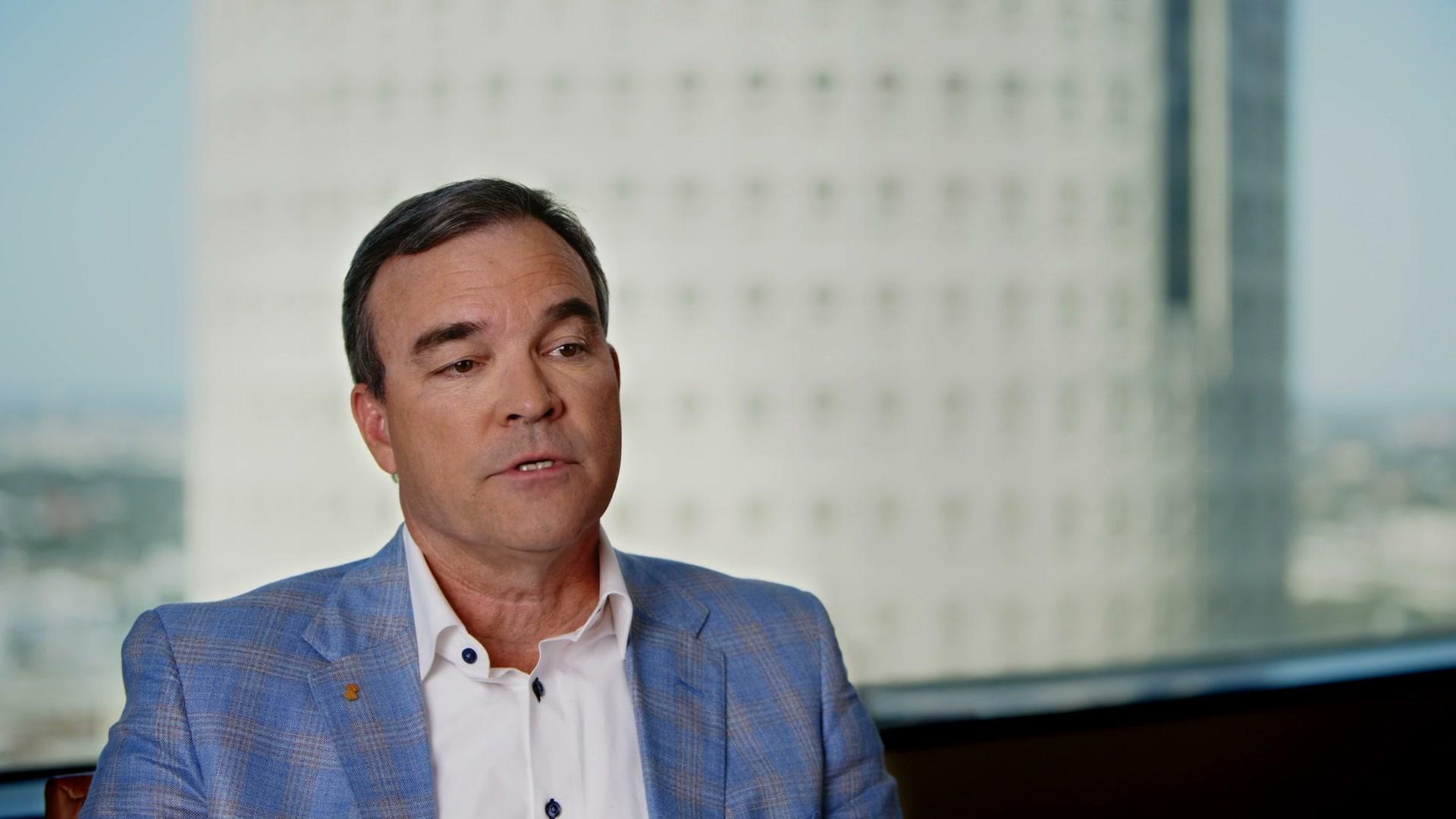
Interviews turn a building into a story about what it means. At Rivergate Tower, we interviewed four people:
- SouthState's CEO.
- Tampa's mayor.
- SouthState's West Florida Division President.
- The president of the Tampa Bay Economic Development Council.
Each speaks from a different seat: the bank, the city, the regional team and economic development. With all four in the cut, the film plays like community news instead of an internal announcement.
A few things we have learned about filming officials and executives:
- Request their time early and accept short windows. A mayor may have 20 minutes.
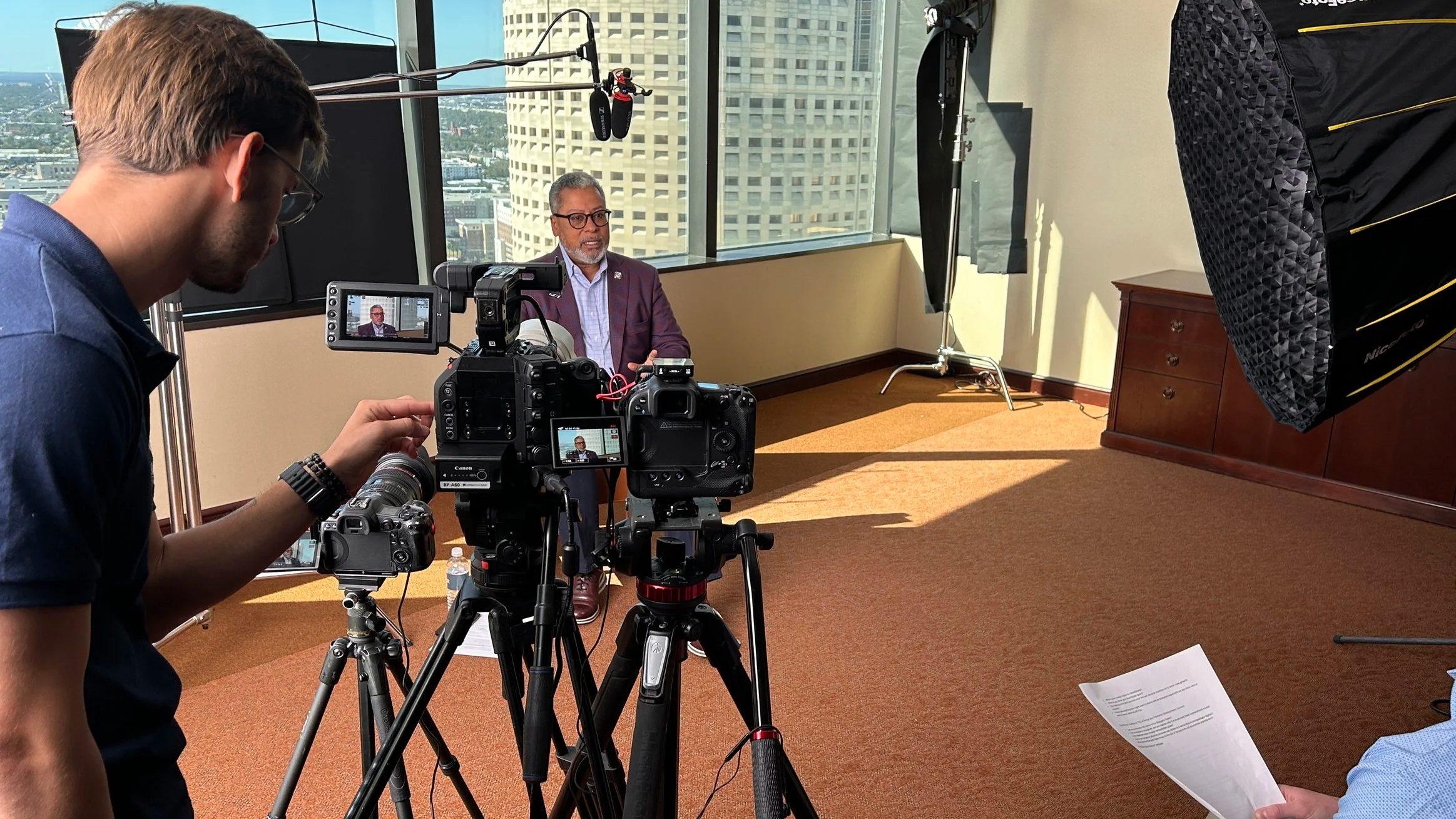
- Have the set lit, framed and tested before they arrive, so they sit down and start talking.
- Send questions in advance and ask for answers in full sentences, so each soundbite stands on its own.
- Run two cameras, so the edit can tighten answers without jump cuts.
- Ask the open question last: "What does this building mean for the community?" It often produces the line that ends the film.
Community partners belong here too. A local nonprofit leader or a business customer gives the opening a face outside the bank.
Opening day coverage
Opening day is fast and you get one take. Our shot list covers:
- Exterior arrivals and the signage in daylight.
- The ribbon cutting from two angles, one wide and one tight on the scissors and faces.
- Speeches, recorded with a direct feed from the event sound system plus a backup microphone.
- Reactions from employees, families, guests and partners.
- Leaders with officials, both posed and candid.
- Details: branded elements, the new lobby, the space filling with people.
- Photography running in parallel, so stills and video do not compete for the same moment.
Get releases for anyone you plan to feature, and keep customer screens and paperwork out of frame. Our bank video compliance checklist covers both.
The display or loop version
A big screen is a different medium. The Rivergate Tower film premiered at the grand opening and kept playing on the headquarters display afterward. Making that work takes its own edit:
- Get exact specs first. Resolution, aspect ratio, file format and playback hardware come from the AV team. An ultrawide wall is not a stretched 16:9 frame. It needs a master built for its shape.
- Design for no sound. Lobbies are noisy, and displays often play muted. The story has to read visually.
- Size text for distance. Titles that look right on a laptop disappear across a lobby.
- Make the loop clean. The last frame should flow back into the first without a visible jump.
- Test on the real screen. Book time on the actual display before the event, not the morning of.
- Plan for the long run. If the film will keep playing after launch, cut a version without event dates so it ages well.
Social cuts
The same footage feeds social before, during and after the opening:
- Before: a teaser built from the timelapse and aerials.
- Day of: a short vertical clip of the ribbon cutting and the crowd.
- After: interview soundbites, one idea per clip, captioned for sound-off viewing.
Cut for 9:16 and keep most clips between 15 and 60 seconds. Promotional cuts may need the official advertising statement, so plan end cards with compliance.
Using it after the launch
An opening film keeps working long after the event. Use it on the website, in recruiting, at community events and annual meetings, in board and investor presentations, and on lobby displays. Keep the raw library too. Timelapse and aerial footage are hard to recreate and easy to reuse for anniversaries and future campaigns.
Opening work can also lead to the next project. After Rivergate Tower, Big Wave went on to film SouthState's Atlanta regional headquarters at Prominence Tower, including a short Instagram cut, and to document SouthState signage and locations in other markets. The full story is in our SouthState Bank case study.
Planning an opening
If your bank has a branch, market entry or headquarters opening on the calendar, the best time to call is when the sign is ordered, not when the invitations go out. See how we approach it on our branch and headquarters opening video page, or book a discovery call and bring your timeline.
Sources
- 14 CFR Part 107, Small Unmanned Aircraft Systems.
- Federal Aviation Administration, Certificated Remote Pilots including Commercial Operators.